Converting PDF to Word: How to Keep Layouts and Formatting Intact
Try it now with our free PDF to Word tool — no sign-up, files deleted after download.
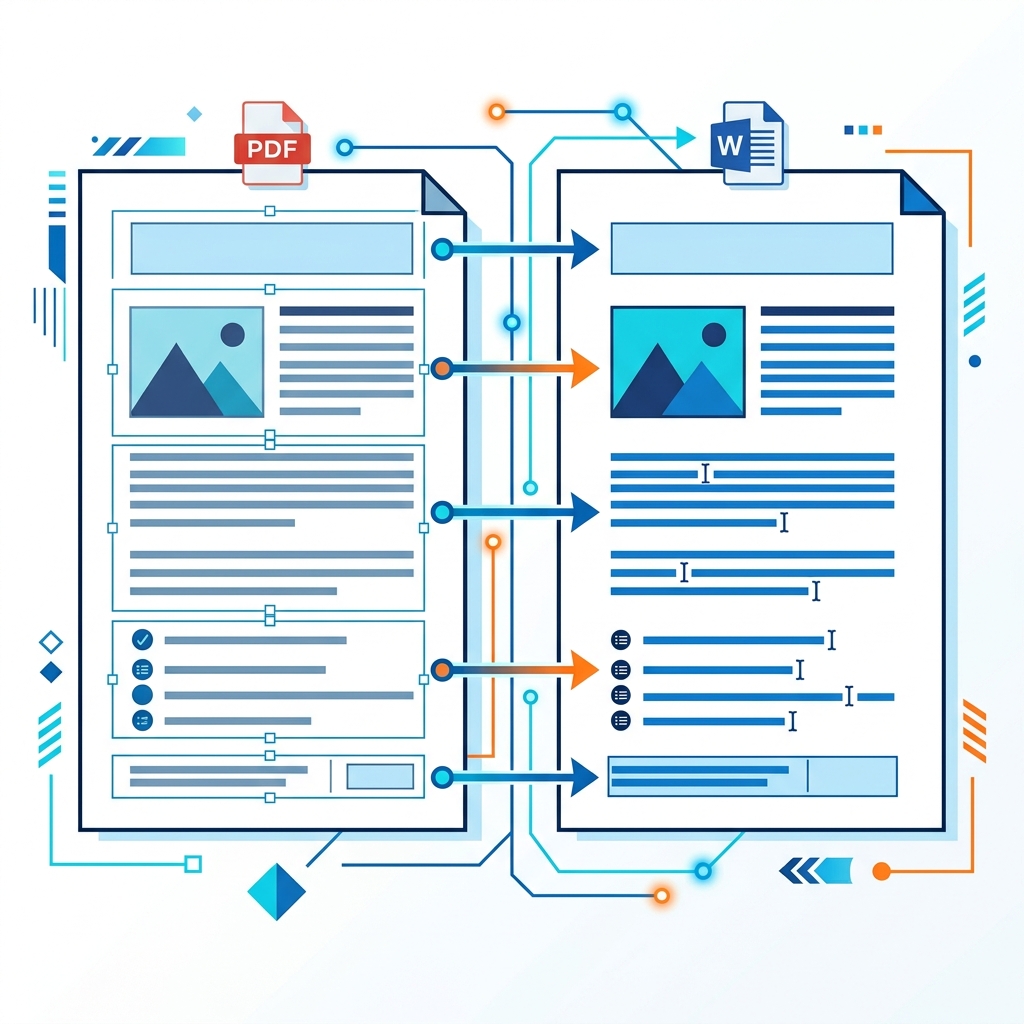
Converting a PDF file back into an editable Microsoft Word document (.docx) can feel like magic when it works—but it can quickly turn into a formatting nightmare when page margins shift, fonts warp, or tables break into misaligned text blocks.
This guide reveals the mechanics of PDF-to-Word conversions and details practical formatting tips to ensure your layouts remain completely intact.
Why PDF to Word Layouts Can Break
To understand why formatting can break, you have to understand the core difference between the two document formats: - PDF (Fixed Layout): A PDF is designed like a digital piece of paper. It specifies the exact coordinates of where every letter, shape, and image is stamped on a page. It does not understand paragraphs or flowing text layouts—only individual characters positioned on a grid. - Word (Reflowable Layout): Word documents are flow-based. Text wraps automatically based on margins, font sizes, line heights, and paragraph breaks.
When a converter translates a PDF, it has to reconstruct layout columns, tab spacing, and text flows from raw coordinate maps. If the document has a complex grid, columns can get split or turned into nested text boxes.
4 Pro Tips for Flawless Conversions
1. Identify Scanned vs. Native PDFs
- Native PDFs: Created directly from word processors or design programs. They contain clean text streams and vector shapes, making them easy to convert perfectly.
- Scanned PDFs: Images of documents. These require OCR (Optical Character Recognition). If your document is scanned, make sure you use a converter equipped with OCR so it scans and reconstructs editable text characters instead of just wrapping the image inside a DOCX container.
2. Verify Font Alignments
If the PDF uses custom or proprietary fonts not installed on your system, Microsoft Word will substitute them with default system fonts (like Arial or Calibri). Because font characters have unique widths, this substitution causes text overflow, shifting paragraphs to the next page.
[!TIP] Install equivalent OpenType or TrueType fonts on your local system before opening the converted DOCX file to maintain exact layouts.
3. Handle Tables Carefully
Tables inside PDFs are usually compiled from separate horizontal and vertical line coordinates. Basic converters simply extract the text and separate it with spaces, breaking table grids. - Choose a converter (like ours) that automatically detects intersecting grids and wraps the text into native Microsoft Word table matrices.
4. Remove Header and Footer Anchors
PDFs print headers, footers, and page numbers on every sheet as hard-coded text block streams. After converting, Word treats these as standard paragraph lines, which can break the natural flow of your body text. Strip out these legacy text anchors and insert them using Word's native header/footer tool.
Post-Conversion Checklist
Once you download your converted document, run through this quick checklist to ensure everything is perfect:
- Check Page Count: Verify the final page count matches the original PDF. (If it has more pages, look for substituted fonts or oversized margins).
- Validate Tables: Ensure numbers sit cleanly in columns without word wrapping.
- Scan for Text Boxes: Basic converters often place text inside floating frames. Delete unnecessary text boxes and convert them to standard paragraph wrapping.
- Local Verification: Convert your file using our PDF to Word converter. Because all processing is done 100% locally in your browser, your layout remains pristine, and your files are processed securely without ever leaving your machine.
Ready to go? Open PDF to Word →