The Ultimate Guide to Compressing PDF Files Without Losing Quality
Try it now with our free Compress PDF tool — no sign-up, files deleted after download.
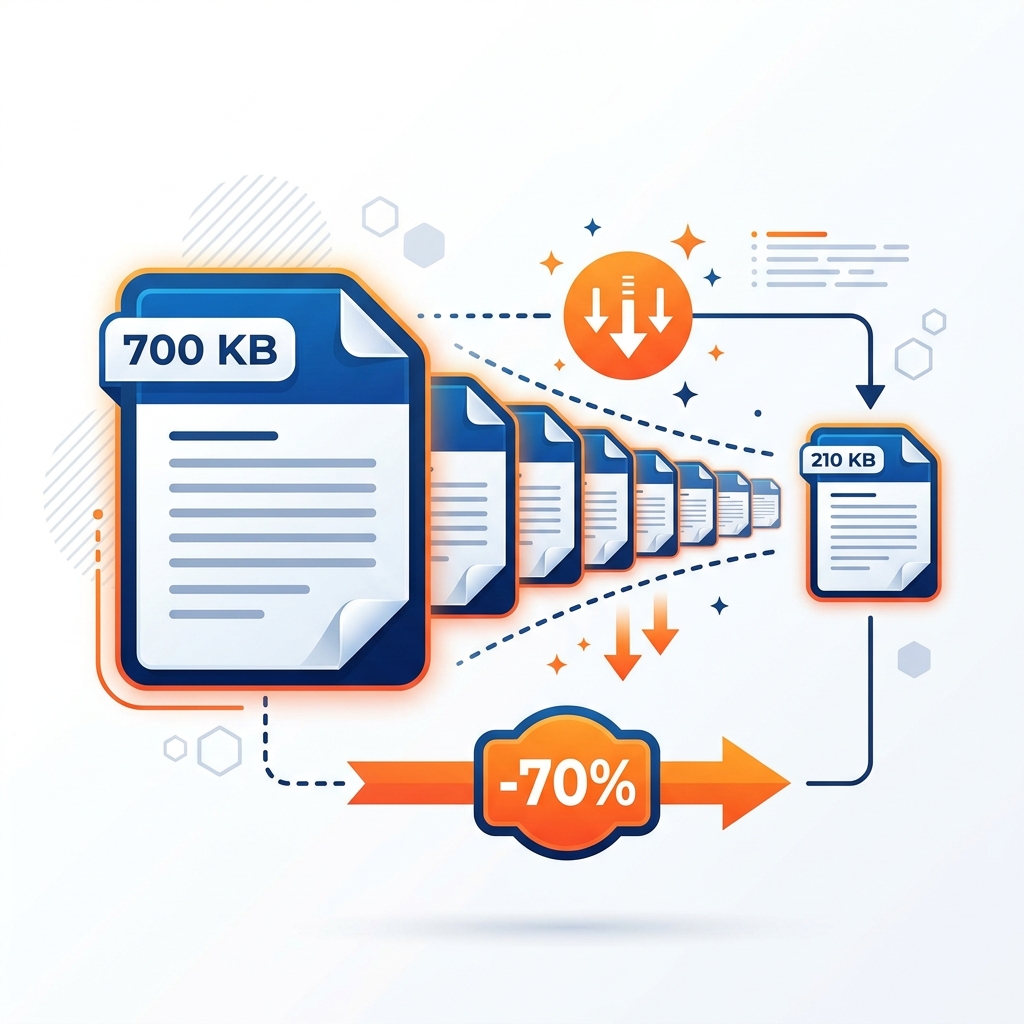
Whether you are trying to email a tax return, upload a job application, or store large ebooks, large PDF files can quickly become a bottleneck. While compressing them is the obvious solution, nobody wants to send a document where the text is fuzzy or the images are pixelated.
This guide explains how to shrink PDF size efficiently, the technology behind compression algorithms, and how you can do it 100% locally and securely in your browser.
How PDF Compression Works Under the Hood
Unlike plain text files, PDFs are complex containers. They can house vector graphics, high-resolution raster images, embedded fonts, layers, and interactive form fields. PDF compressors reduce file sizes using four primary techniques:
1. Image Downsampling & Resolution Tuning
Raster images inside a PDF are often stored at a higher resolution (e.g., 300 to 600 DPI) than needed for web viewing or standard printing. Downsampling reduces the pixels-per-inch (typically targeting a web-friendly 150 DPI), which exponentially shrinks image data weight without visible quality loss on screens.
2. Intelligent Font Subsetting
When a PDF creator embeds a font, it often packs the entire character library (including accents, foreign symbols, and unused weights). Subsetting strips away all unused characters, keeping only the exact letters present in the document.
3. Color Space Optimization
Images in PDFs are often saved in CMYK (print-centric color model), which takes up 33% more data capacity than RGB (screen-centric color model). Converting color spaces to RGB significantly reduces size.
4. Flate Compression (Deflate)
This is a lossless compression algorithm that acts like ZIP compression for raw text streams, structural page descriptions, and metadata tables inside the PDF.
Expected Size Reduction by Document Type
The amount of size reduction you can expect depends entirely on what is inside your PDF. Here is a rough guide:
| PDF Content Type | Original Size | Compressed Size | Avg. Reduction |
|---|---|---|---|
| High-Res Scanned Ebook | 50 MB | 12 MB | 76% |
| Graphic Slideshow Presentation | 12 MB | 4 MB | 66% |
| Text Report with Embedded Fonts | 3.5 MB | 1.8 MB | 48% |
| Pure Vector Layout (No Images) | 1.2 MB | 0.9 MB | 25% |
Step-by-Step: How to Compress a PDF
- Open the Compressor: Navigate to our Compress PDF tool page.
- Choose Your PDF: Click the upload box or drag and drop your document.
- Select Compression Level: Choose from our preset optimization balances:
- Extreme Compression: Max size reduction, lower image resolution (ideal for drafts/email).
- Recommended Compression: The perfect sweet spot of size reduction and visual quality.
- Low Compression: Minimal size reduction, high image quality (for print).
- Download: Click Process and download your optimized PDF instantly.
Why Local Browser-Based Compression is Crucial
Most online PDF compressors require you to upload your documents to a remote cloud server. If your PDF contains sensitive information—such as bank statements, contracts, or identification cards—this poses a major privacy risk.
Our PDF tools process your files 100% locally in your browser using WebAssembly. Your files are never uploaded to a server, guaranteeing complete privacy and absolute security.
Ready to go? Open Compress PDF →